
Wakemusic:Offline Music Player
Listen to music with no Wi-Fi
Your music. Your collection. More than playback.
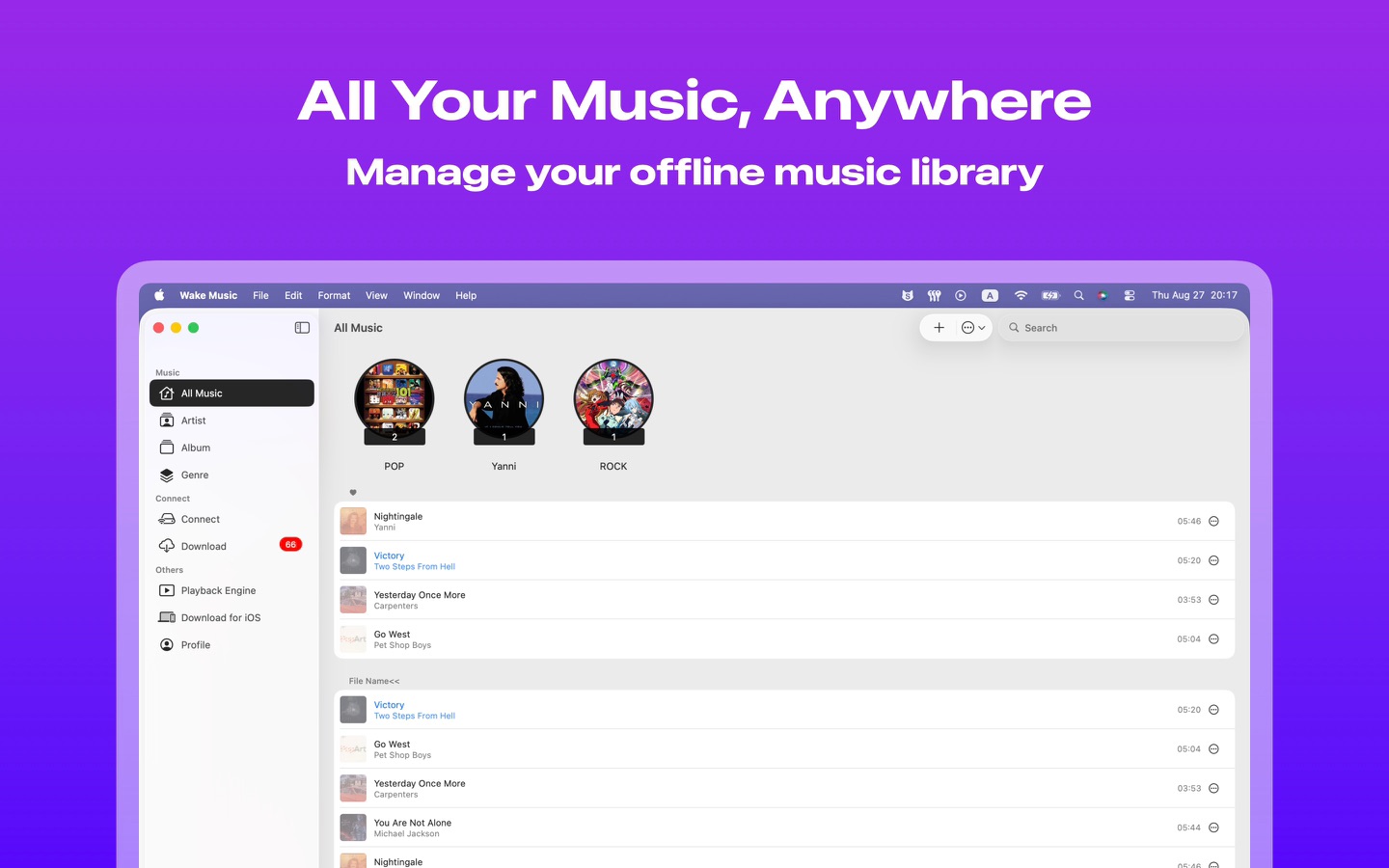
Wakemusic brings your local files, cloud drives, NAS and Navidrome library together. Play, explore and organize your music, from a favorite track to a carefully curated collection.
◆◆◆ Local music, ready when you are
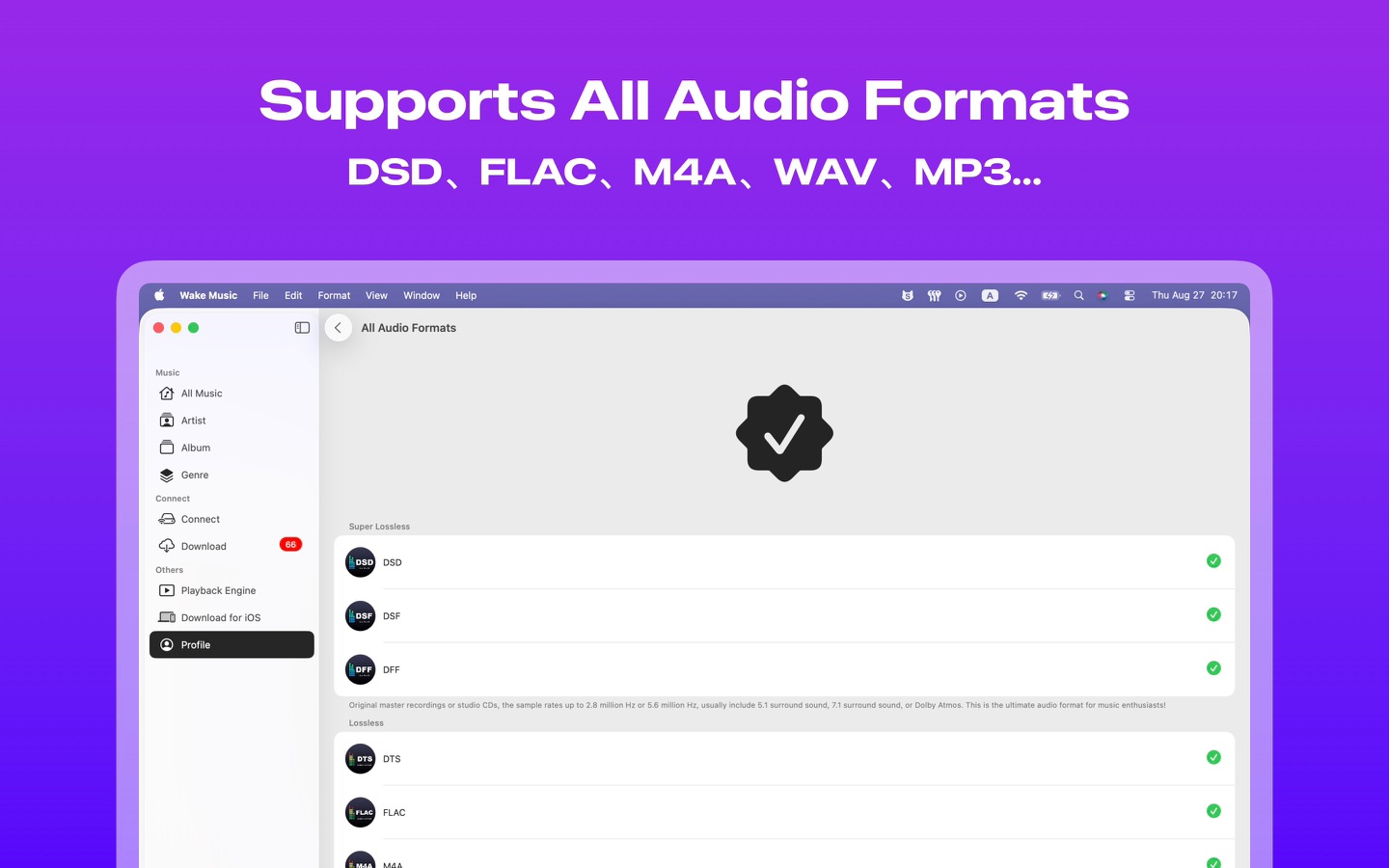
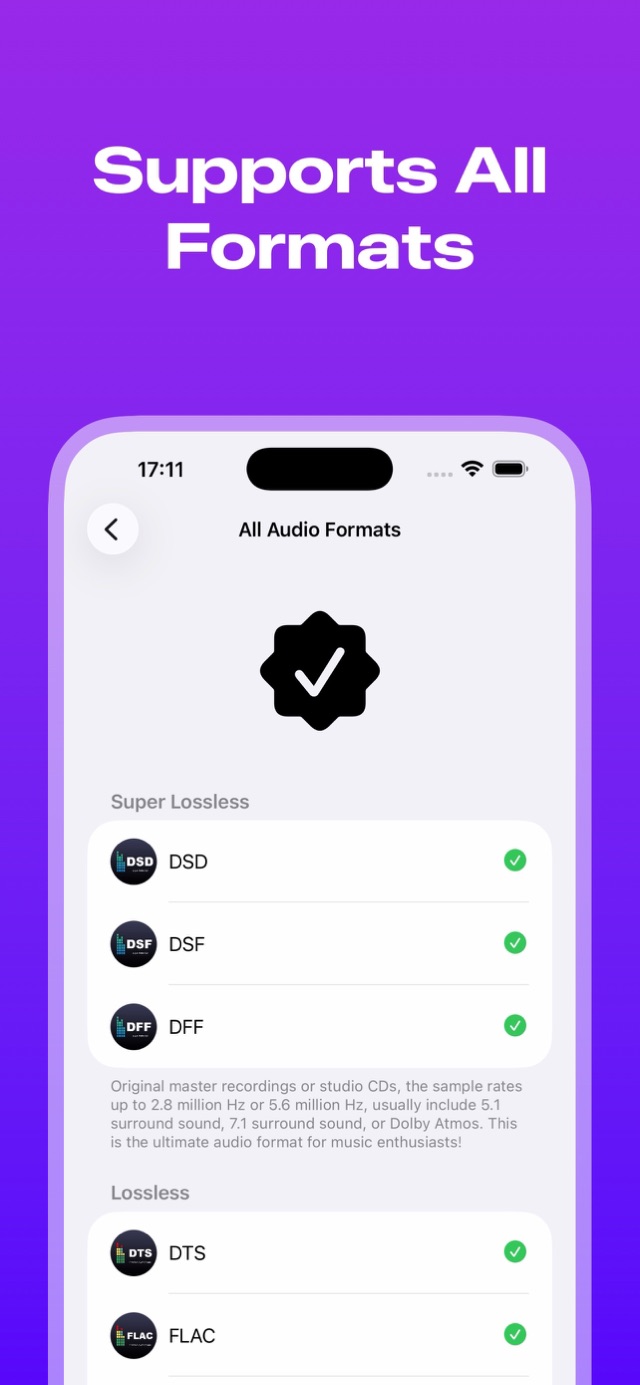
1. Play MP3, FLAC, WAV, M4A, AAC, APE, AIFF, DSF, DFF and more, from everyday listening to lossless collections.
2. Import files and folders, transfer over Wi-Fi or extract audio from videos.
3. Browse by song, artist, album or genre. Make playlists and save favorites.
4. Download music for offline listening on your commute, on a trip or anywhere without a connection.
◆◆◆ Connect your collection
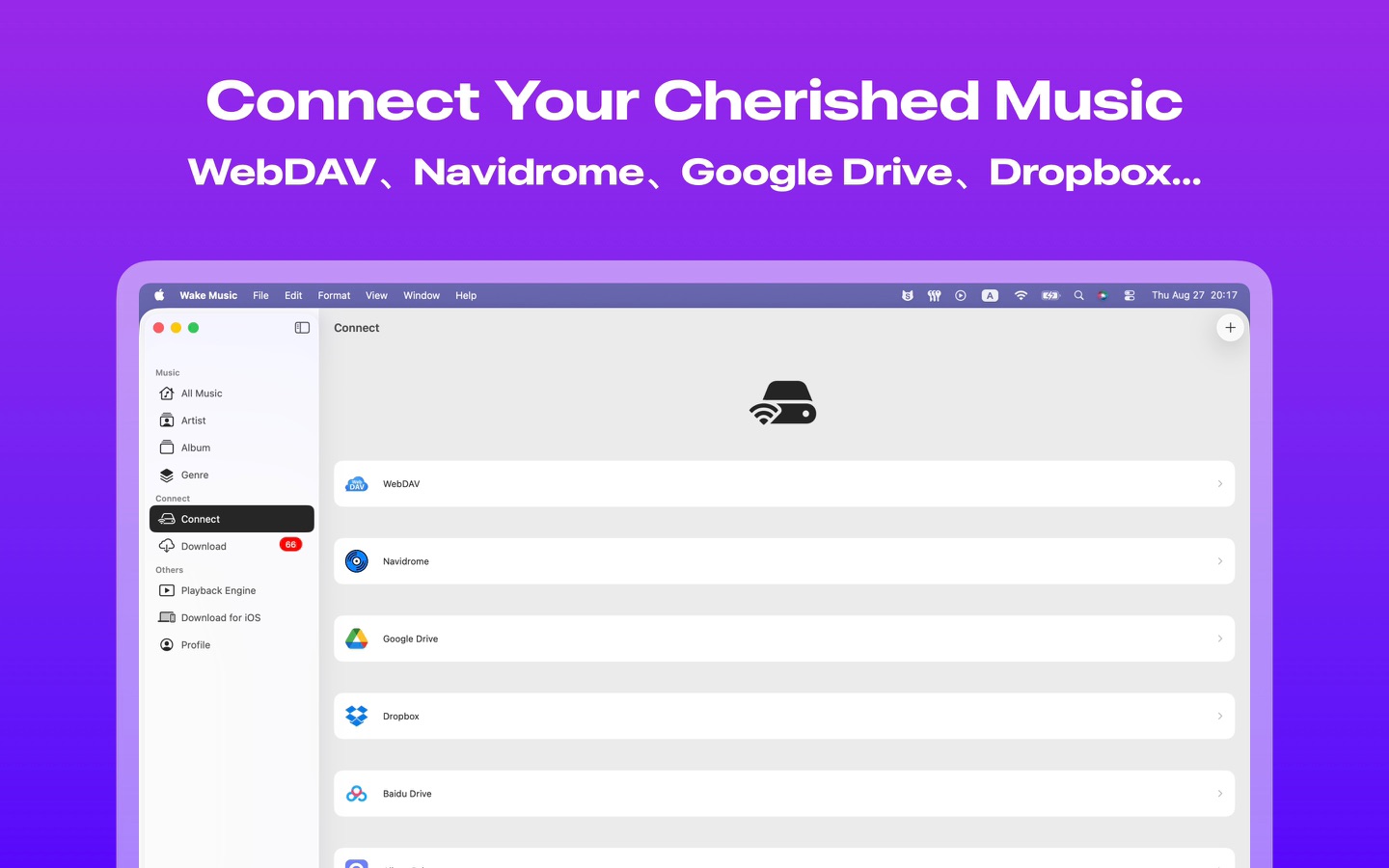
1. Access Google Drive, Dropbox, Box, pCloud, MEGA, Baidu Netdisk, Aliyun Drive, 115, 123 and Guangya cloud drives.
2. Connect to your NAS, computer or server via SMB, WebDAV or FTP.
3. Stream music or queue downloads to build your offline library.
4. Enable pre-downloading to keep completed downloads in your local music folder as you listen.
◆◆◆ Your personal music server
1. Explore Navidrome and compatible Subsonic services in a dedicated server mode.
2. Rediscover recent plays, favorites, playlists, random picks and recent additions.
3. Browse and search songs, artists and albums. View album details, artist biographies and similar artists when supplied by the server.
4. Download songs, then switch to classic mode to enjoy them offline.
◆◆◆ Give your music lasting value
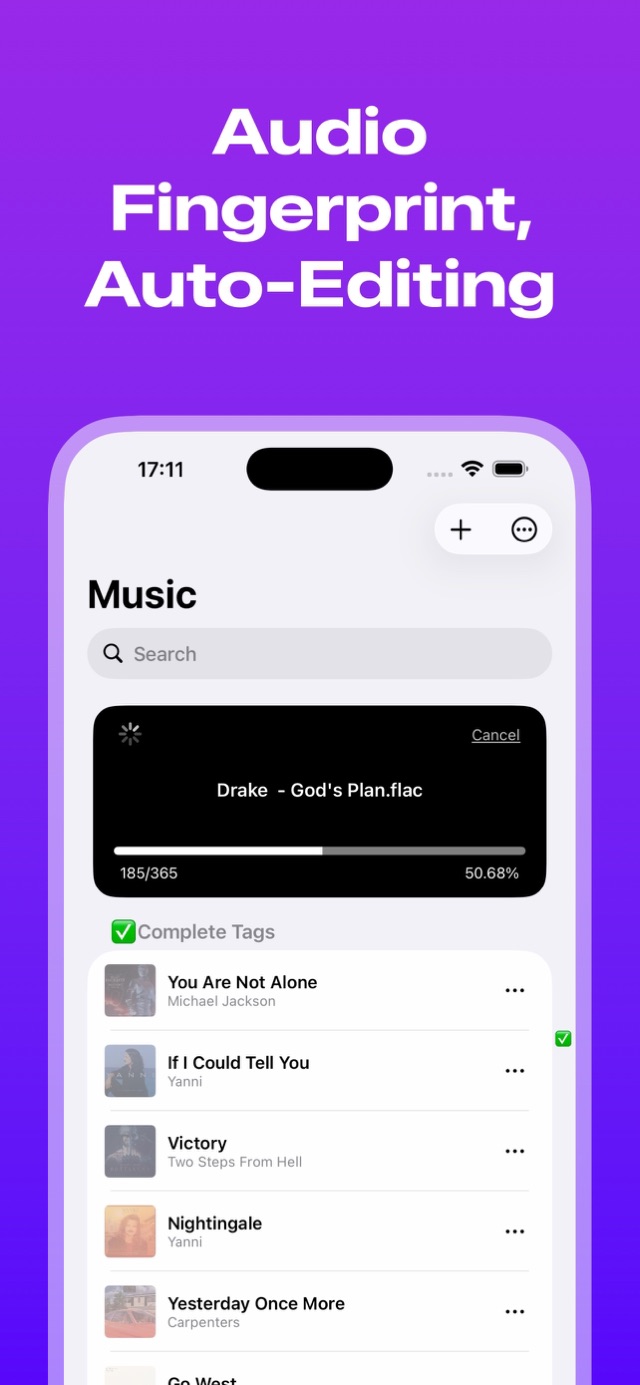
1. Find song information with audio fingerprint recognition.
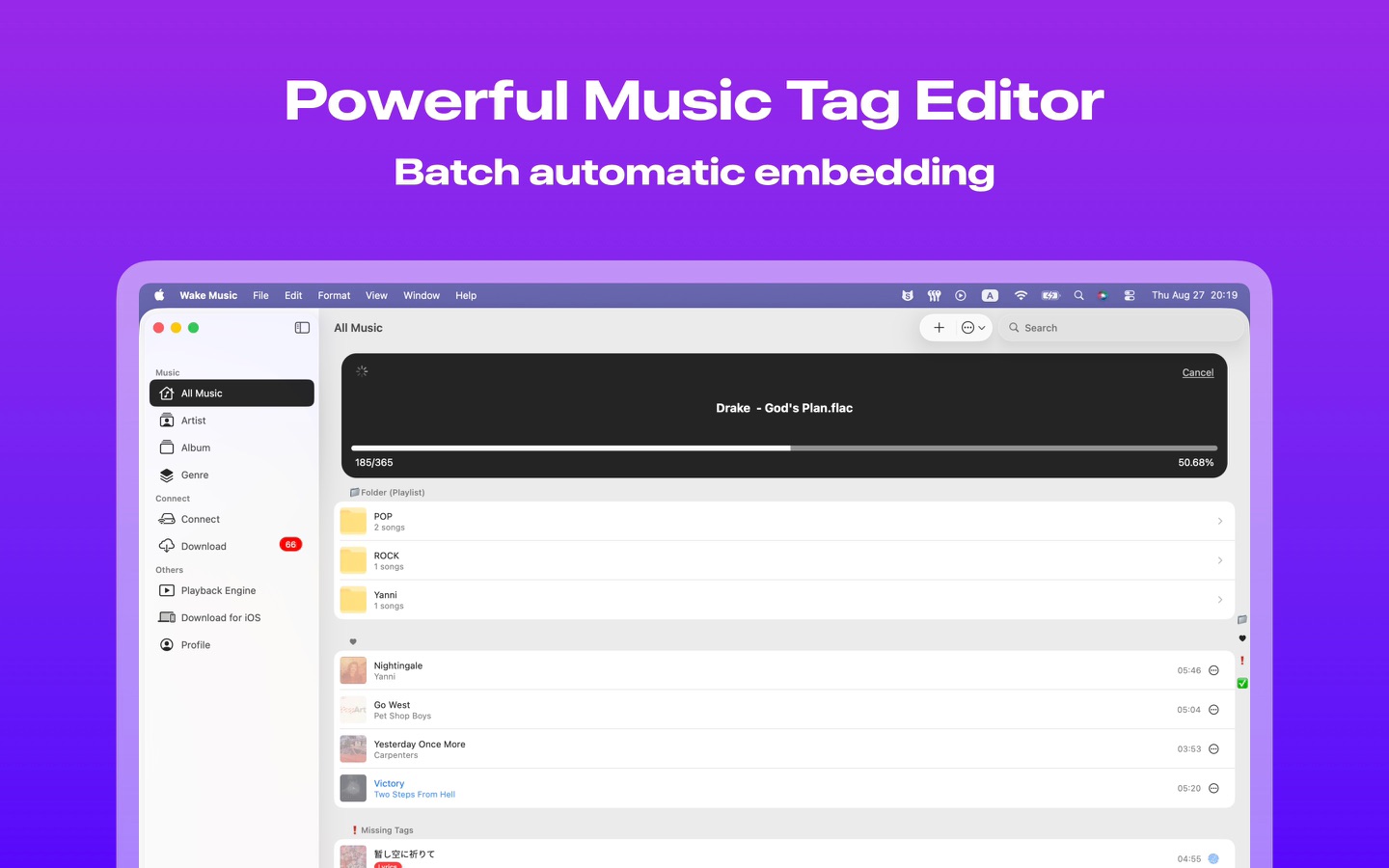
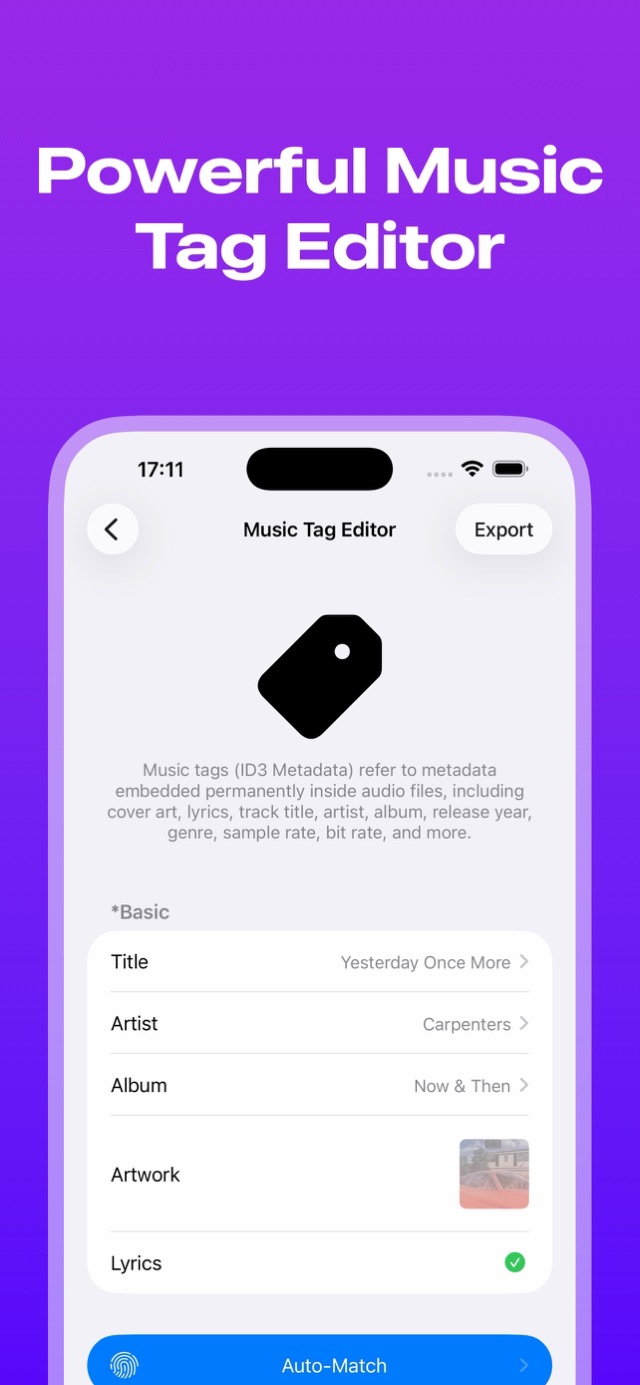
2. Edit titles, artists, albums, artwork and lyrics to keep your collection organized.
3. Embed metadata in supported audio files so your work stays with your music across devices and players.
4. Recognition results and writable tags depend on the song and file format.
◆◆◆ Shape the sound. See the details.
1. Adjust a 10-band EQ and preamp gain to suit your taste.
2. Try Bass Boost, Vocal, Rock, Jazz and other presets, or save your own settings.
3. Analyze local audio spectra and check format, file size, average bitrate and sample rate.
4. Save or share an analysis card. A spectrum helps reveal audio characteristics but cannot, on its own, prove a recording is truly lossless.
◆◆◆ Make listening your own
1. Choose vinyl, cassette and other player styles.
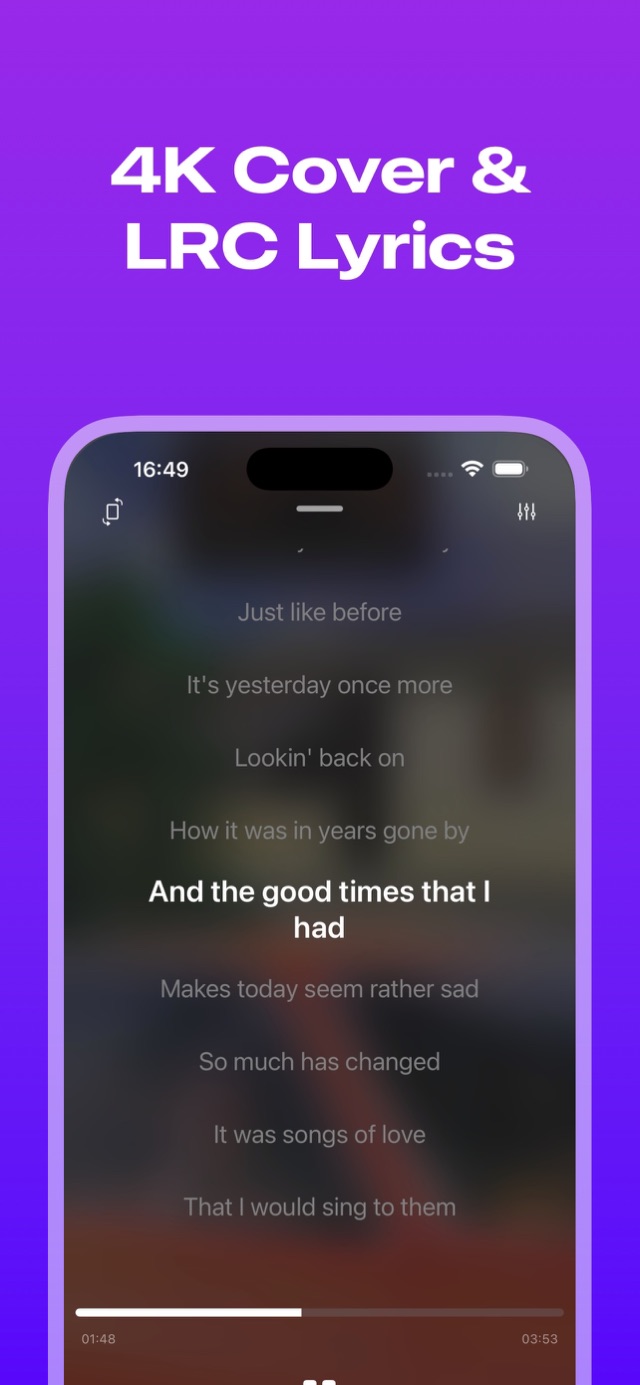
2. Enjoy artwork-inspired backgrounds, mini lyrics and audio information.
3. Use shuffle, sequential playback, repeat-one, queue management and a sleep timer.
◆◆◆ Premium and purchases
1. Remote connections, EQ adjustments and some other features require Premium. See the app for details.
2. Choose a monthly or annual subscription, or a personal or Family Sharing lifetime purchase.
3. Free trial eligibility, duration and subsequent pricing, when offered, are shown at purchase.
4. Subscriptions renew automatically. Manage or cancel them in your Apple Account subscription settings. Lifetime plans are one-time purchases and do not renew.
◆◆◆ Good to know
Wakemusic is a player and library manager; it does not supply music. Use audio you have permission to access. Third-party access, memberships, transfer limits and features depend on each provider.
Feedback: support@kakainc.com
Privacy Policy:
https://kakainc.com/en/wakemusic/legal/app-store/privacy/
Terms of Use:
https://kakainc.com/en/wakemusic/legal/app-store/terms/
Mac At home on your Mac.



01 / 07
iPhone / iPad
Take it with you.


Wakemusic
FAQ
A few helpful answers, all in one place.
LET’S KEEP IN TOUCH
Good things start with a hello.
A question, an idea, or just a little wave. We’d love to hear from you.
support@kakainc.com